
Content Management Platform
An internal Content Management Platform (CMP) dashboard for administrators to efficiently manage and oversee streaming content. The dashboard provides a clear, intuitive interface that enables admins to upload, update, and categorize shows and movies, assign metadata, manage regional availability, and monitor publishing status in real time.
Team
Patrycja
My role
Design process
UX Design
UI Design
Prototyping
Client
NDA
Project Timeline
5 months
[Overview]
The dashboard is optimized for daily workflows, reducing complexity through clean UI components, contextual actions, and role-based access levels.
I was primarily responsible for designing the Home Screen and the Movie Overview, focusing on clear structure, intuitive navigation, and quick access to key content details. Key features of the dashboard include a content overview table with smart filtering and bulk-edit capabilities, automated status alerts (e.g., content expiring soon), and integrated analytics to track viewership trends and platform performance.
[Problem]
Admins struggled with outdated, fragmented tools that made content management inefficient. Key tasks were time-consuming and lacked clarity, slowing down the publishing process.
[Research]
To understand user needs and system limitations, I conducted interviews with key stakeholders, analyzed competitor platforms, and performed a usability audit of the existing tool.
This helped uncover workflow bottlenecks and usability gaps that guided the redesign.
Stakeholder interviews: Conducted sessions with content managers and legal/compliance team members to identify pain points in current workflows.
Competitive analysis: Reviewed internal tools used by other streaming platforms to gather best practices in content management.
Usability audit: Analyzed the existing system to highlight UX issues and areas for improvement in navigation, clarity, and task efficiency.
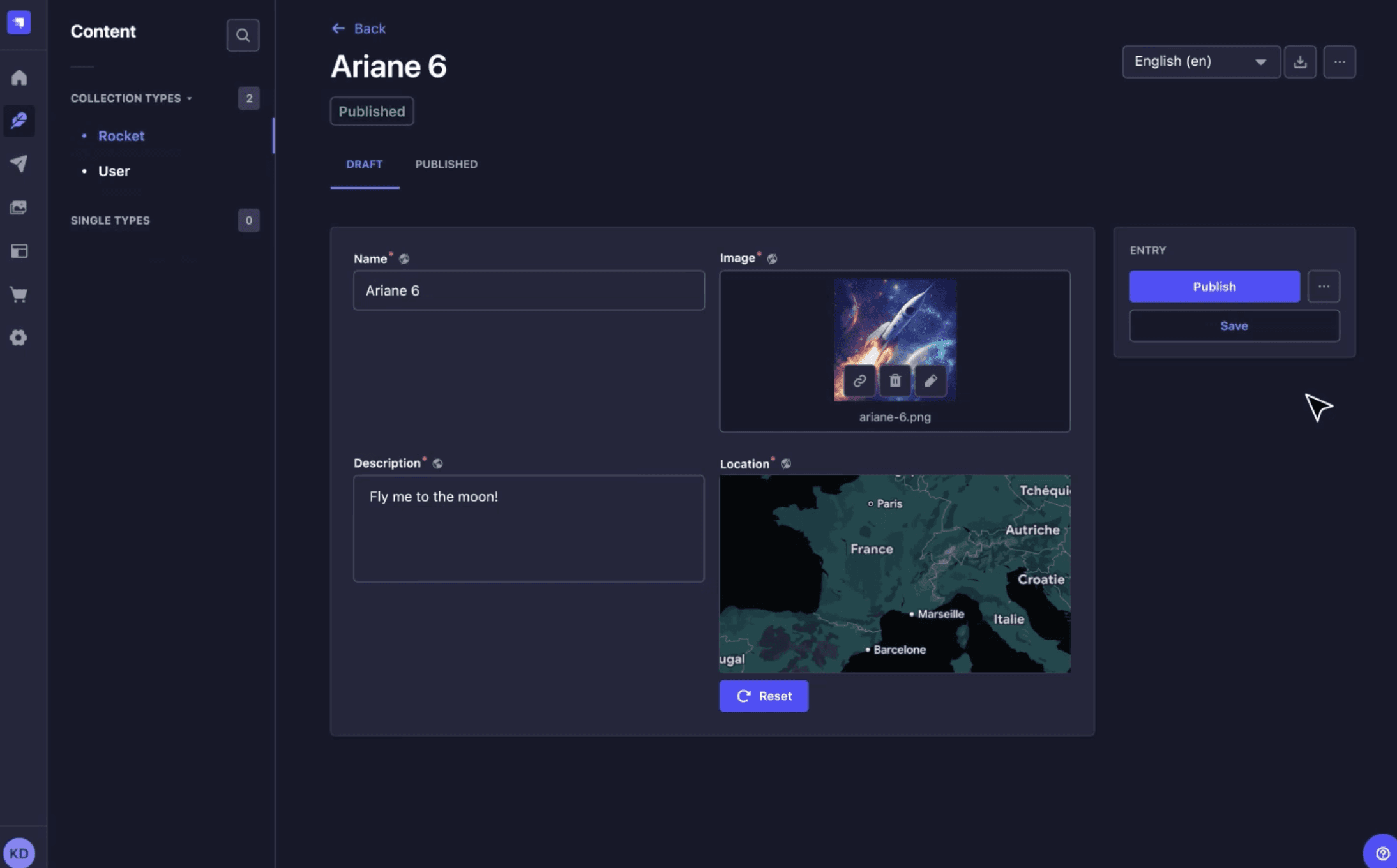


Contentful, Youtube, Kaltura, Strapi
[Research Insights]
Need for Clear Event Prioritization
Admins struggle to prioritize content events without a clear indication of impact and recommended actions.
“Sometimes there are so many alerts about different events that it’s hard to know which ones to act on first.”
Marta, Content Operations Specialist
Difficulty Managing Content Libraries
Users want a unified, tabbed overview that helps them easily navigate and manage extensive content catalogs.
“Switching between movies and series in separate tools slows down my workflow.”
Tomasz, Legal & Compliance Reviewer
Importance of Customizable Views
Flexibility in configuring tabs and filters is essential to adapt the dashboard to various team and regional needs.
“Every region has different priorities, so being able to customize what I see is a game changer.”
Aleksandra, Regional Content Manager
[Design Process]
We brought together content managers, legal reviewers, and platform administrators to collaboratively explore improvements based on our research insights.
In collaboration with our product owner and key users, we organized a co-design workshop to brainstorm solutions addressing content scheduling and cross-team communication. We then synthesized the ideas and prioritized high-impact, low-effort opportunites that could improve workflows.
[Challenge]
How might we design a content management dashboard that supports complex, cross-functional workflows, including legal, editorial, and operations while remaining intuitive, scalable, and efficient for daily use?
[Design Goals]
Our solution was based on three main goals:
Streamline workflows: Simplify and speed up key content management tasks like editing metadata, scheduling, and publishing.
Improve usability: Create an intuitive, consistent interface that reduces errors and learning time for admins.
Enable scalability: Design a flexible system that supports growing content volumes, multilingual metadata, and regional availability.
[Final Design Solution]
Home Screen
Hypothesis
If we provide a centralized dashboard with real-time content status/event, then admins can respond faster to content-related issues.
Strategy
Design an intuitive interface that consolidates all content statuses/events and metadata into one clear overview.
Solution
Home Screen with a dynamic content overview table that displays real-time statuses/events and key metadata fields.

Movie Overview
Hypothesis
If we organize content into configurable tabs, admins will be able to manage large content more efficiently.
Strategy
Introduce a tabbed interface with separation between movies and series.
Solution
Design the movie overview section with two main tabs: Movies and Series, each containing sub-tabs, each containing a filtered table/panels.

Movie Overview | Add movie
Hypothesis
If admins can add and manage movie entries easily, they will reduce errors and streamline the content onboarding process.
Strategy
Design an guided form with clear fields and facilitate the process.
Solution
Implement an "Add movie" flow within the Movie Overview section.

Dark mode
Hypothesis
If we provide a dark mode option, users will experience reduced eye strain during long sessions.
Strategy
Introduce a toggle for lights/dark themes that preserves usability and accessibility.
Solution
Implement a system-wide dark mode with adjusted color tokes for background, text, icons and interactive elements.

[Design System]


[Video]
[Reflections]
This project challenged me to balance flexibility with clarity.
Designing for a wide range of admin roles while keeping the interface intuitive and scalable was a nice challenge. Through user interviews and co-design sessions, I realized how critical real-time visibility and control are for content management.
The project is still evolving, and we continue to iterate based on feedback to improve performance accessibility, and collaboration across teams.
NEXT PROJECT
